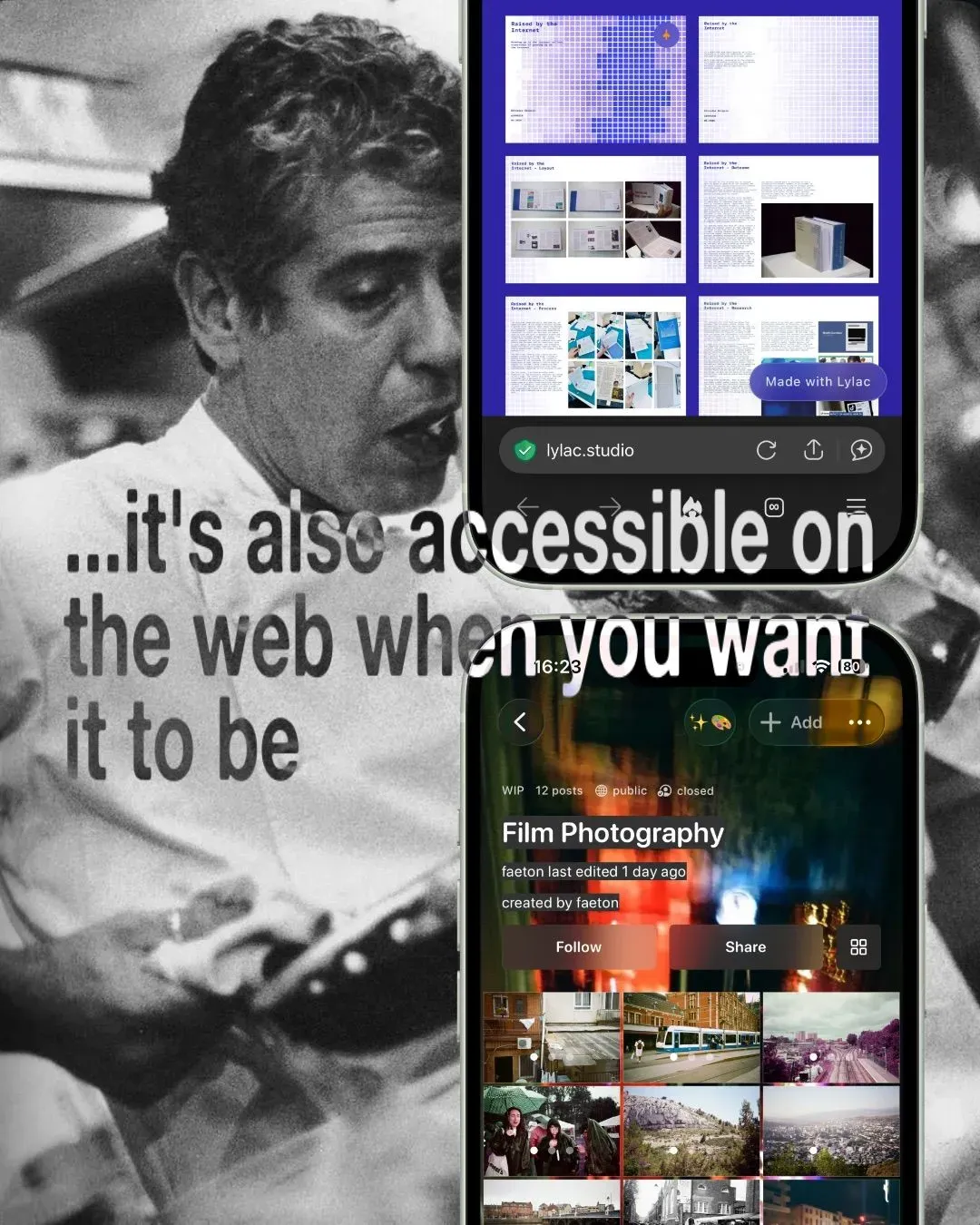
This studio will house information about how Lylac works, to explain the features and functions that we have created for creative people, practices and communities.
created by @lylac
02
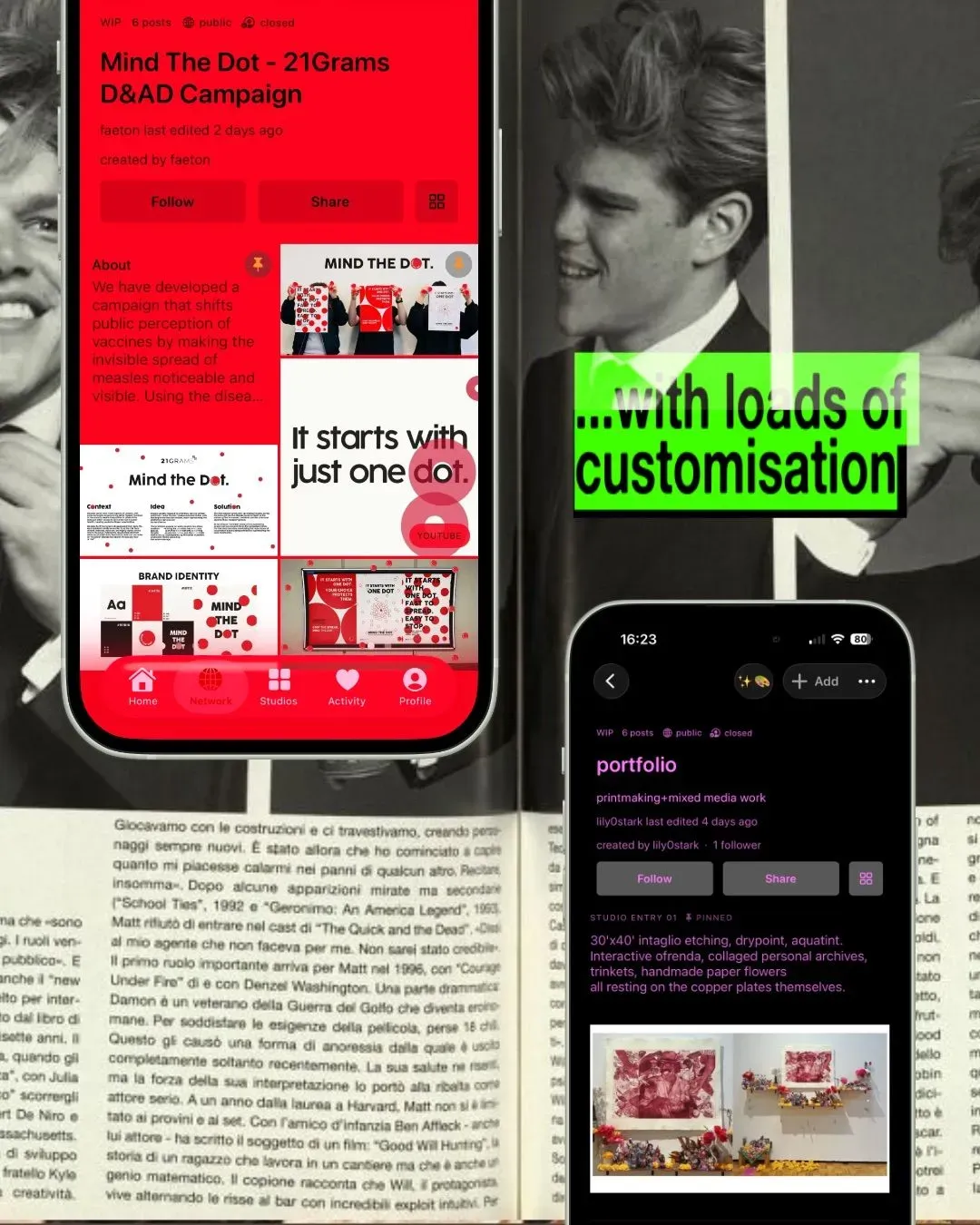
Discover the possibilities of your digital studio, from customisation and portfolios to sharing your work on your terms.
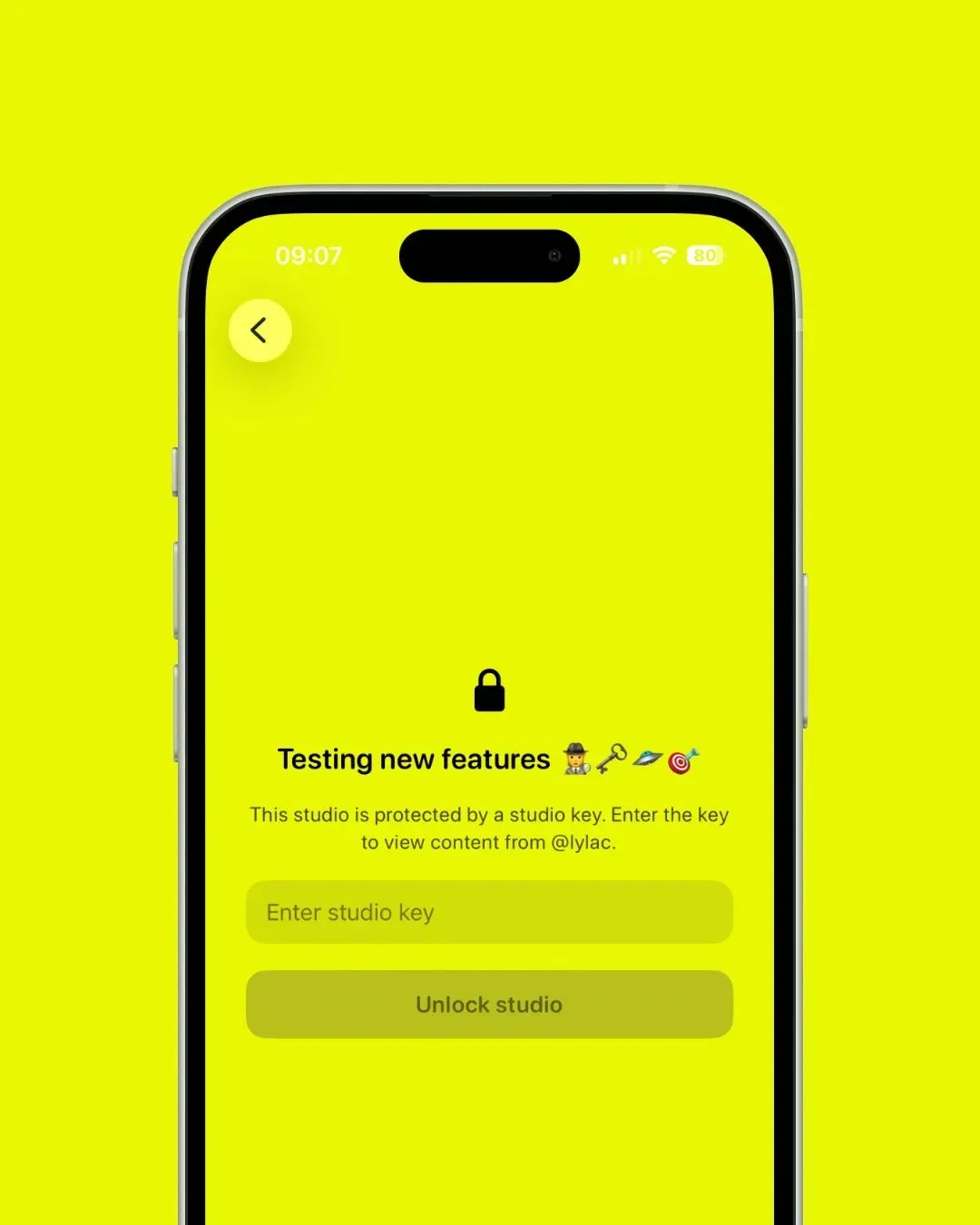
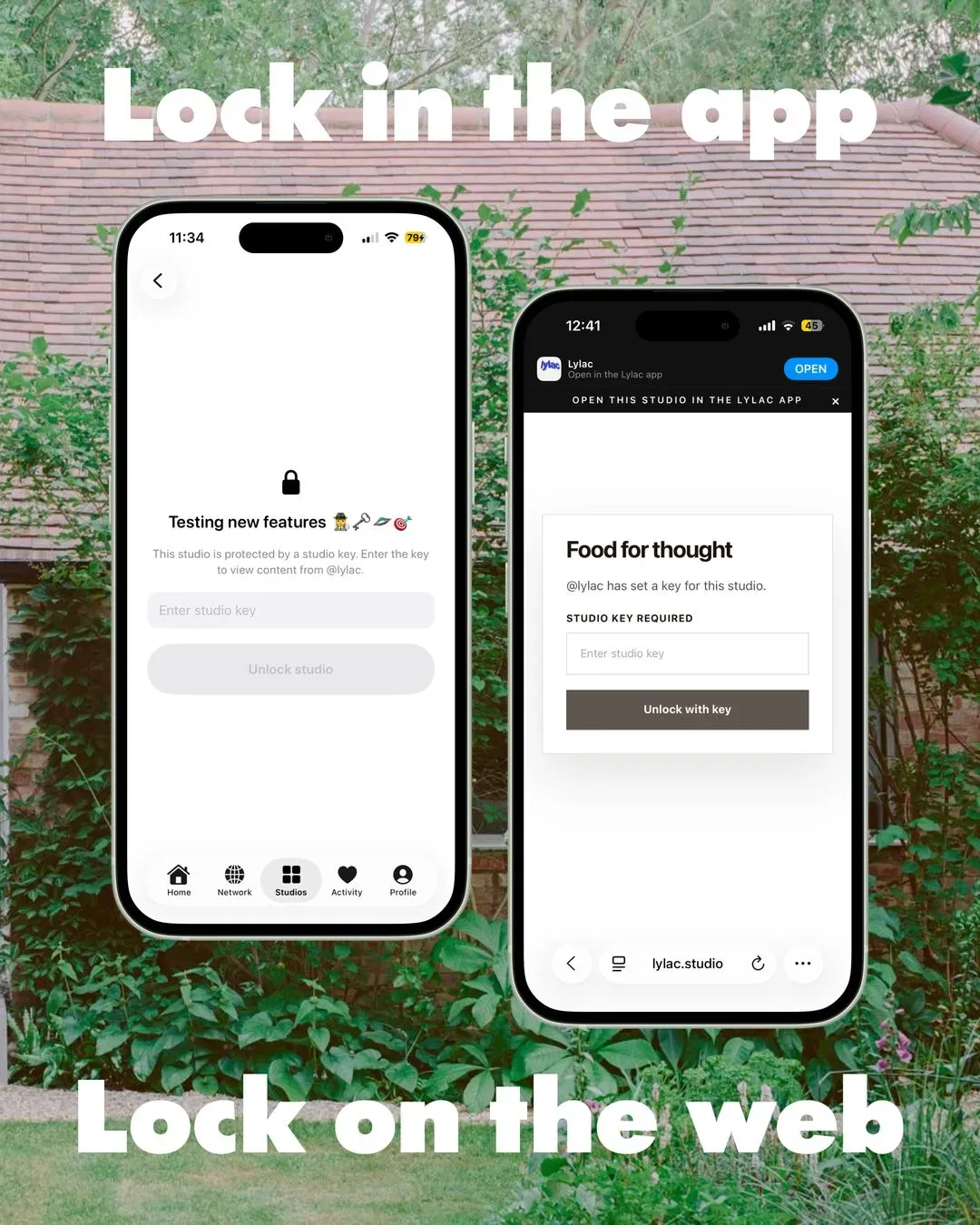
Not every idea needs to be public. You can use Lylac to share openly, keep things private, or create more protected spaces for specific people. Some studios can be made for discovery. Others can be used for personal research, quiet development, or work you only want certain people to see. Creative work needs different levels of openness.
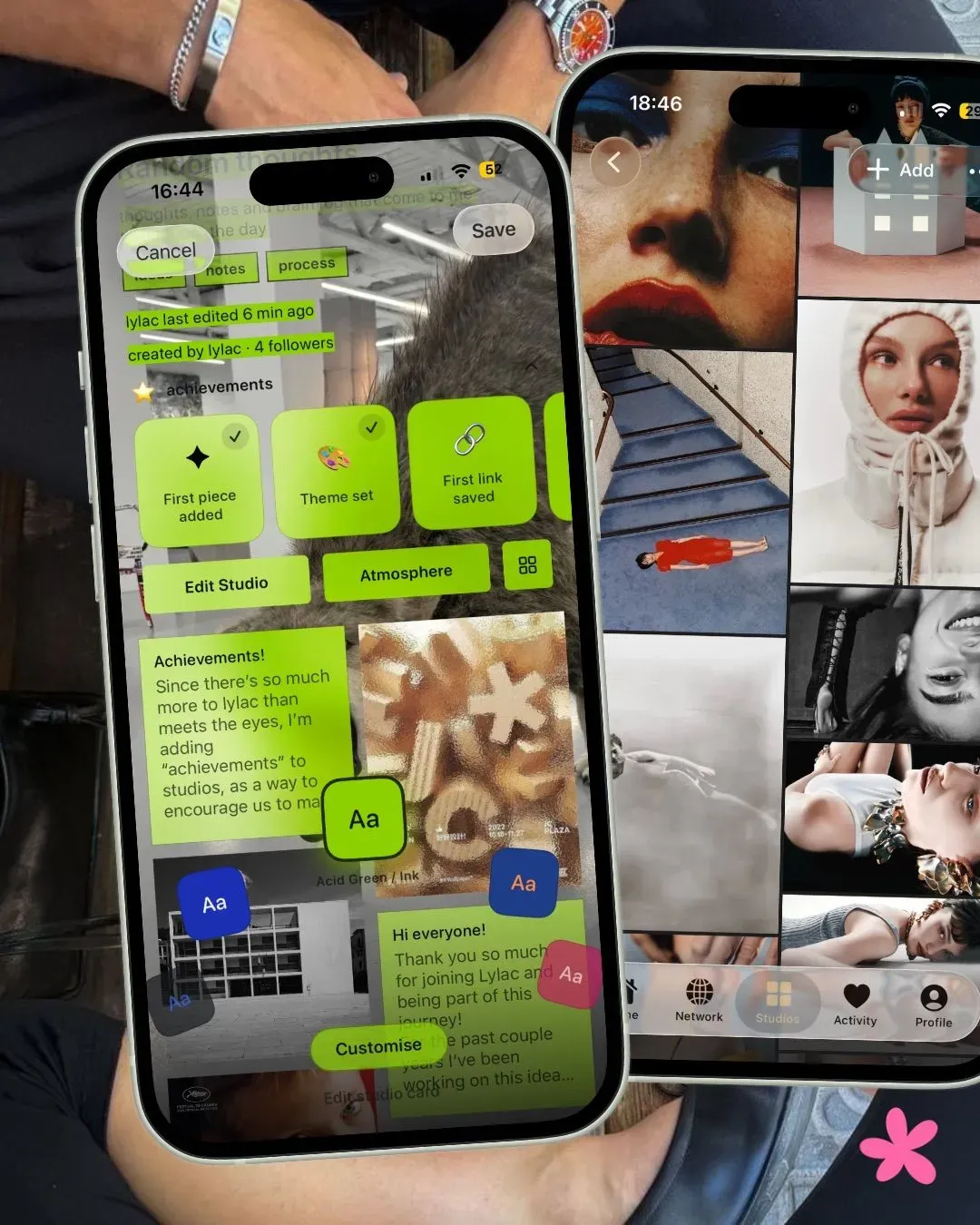
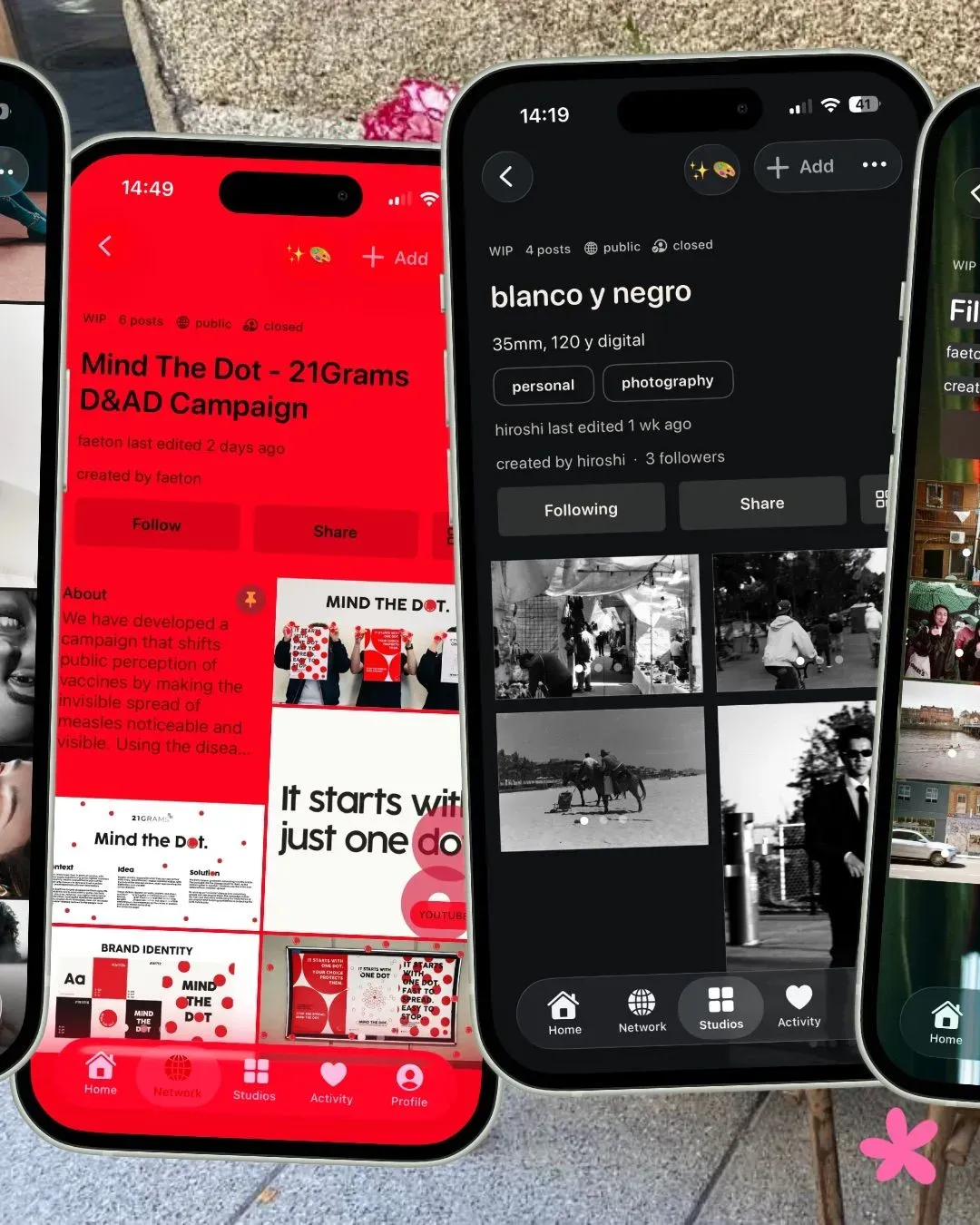
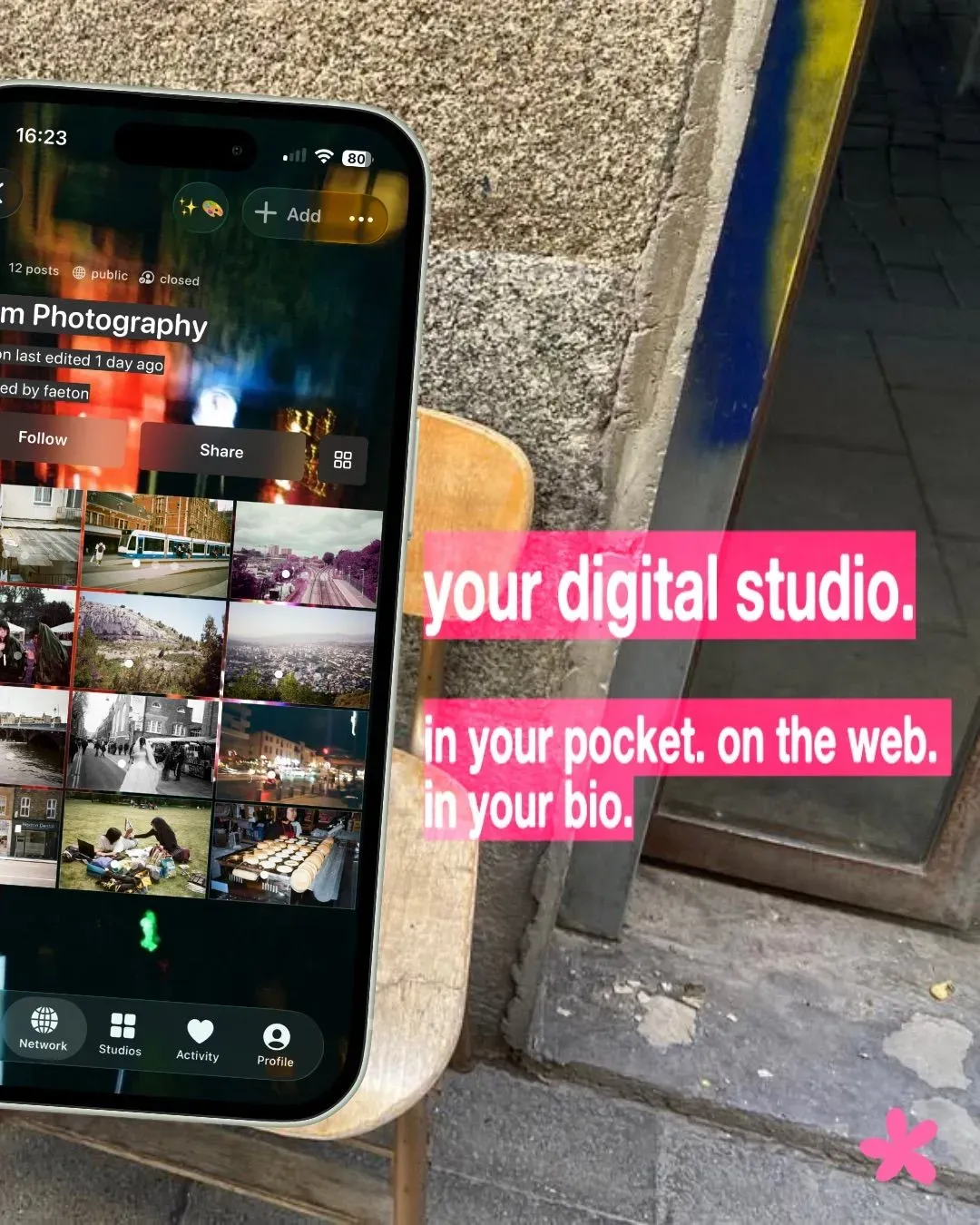
When you find something that inspires you, you can save it into one of your own studios. This makes discovery feel useful, not disposable. Instead of losing good work in a feed, you can collect it, organise it, return to it, and let it become part of your own creative process. Since your studios can be public, private, open or closed, you can let others in on your creative journey and let it become a point of engagement and collaboration rather than a lonely pursuit.
On Lylac, you don’t just follow people. You can follow studios. This means you can keep up with specific projects, collections, worlds, or areas of someone’s practice. Maybe you love someone’s photography studio, but also want to follow another person’s architecture research, another person’s poetry, and another person’s archive of visual references. Follow what actually interests you.
You can post images, writing, thoughts, links, references, updates, research, process work, finished projects, experiments, and things you want to remember. Not everything has to be perfect. Lylac is designed for the in-between moments too, the sketches, the fragments, the references, the early ideas, and the work that is still becoming something.
On Lylac, process is not treated as secondary to the final piece. Sometimes the process is the work. Sometimes it is where the real intelligence sits: the decisions, the research, the revisions, the false starts, the references that end up shaping everything. In creative life, those parts are often more revealing than the polished outcome alone. That is one of the reasons studios matter. They let work unfold properly. They make room for development, not just display. They help other people understand not only what you made, but how you arrived there, and that can open the door to better feedback, better conversation, and more meaningful forms of recognition.
Lylac doesn’t work like traditional platforms. Since we’re focused on catering for creative people and practices, it can’t just function like everything else. So what can you post on Lylac and why? P
On most platforms, your work gets scattered across a feed. On Lylac, studios let you gather things together with context. A studio gives your work a place to live. It helps people understand what you’re making, what you’re thinking about, what you care about, and where your creative practice is heading.
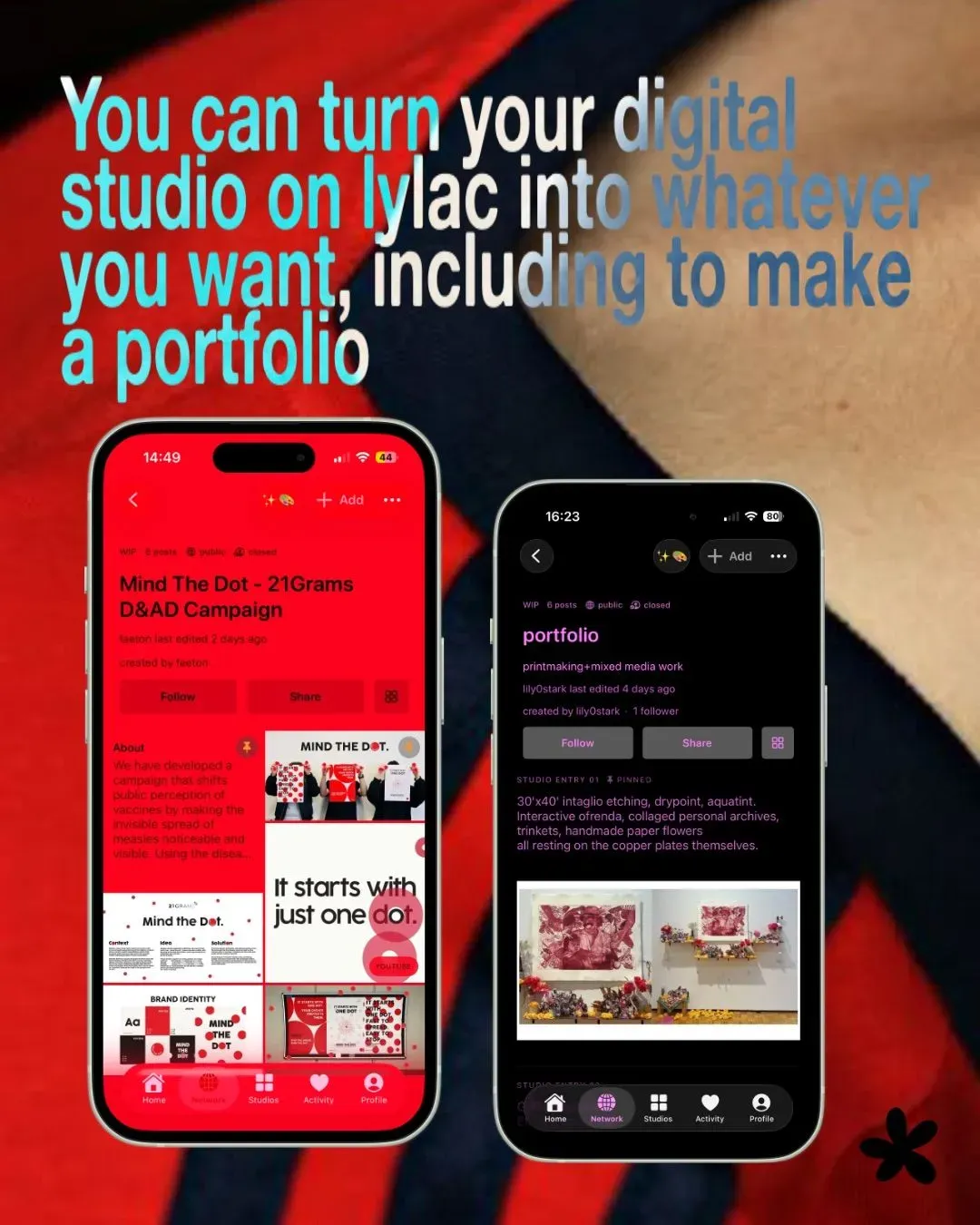
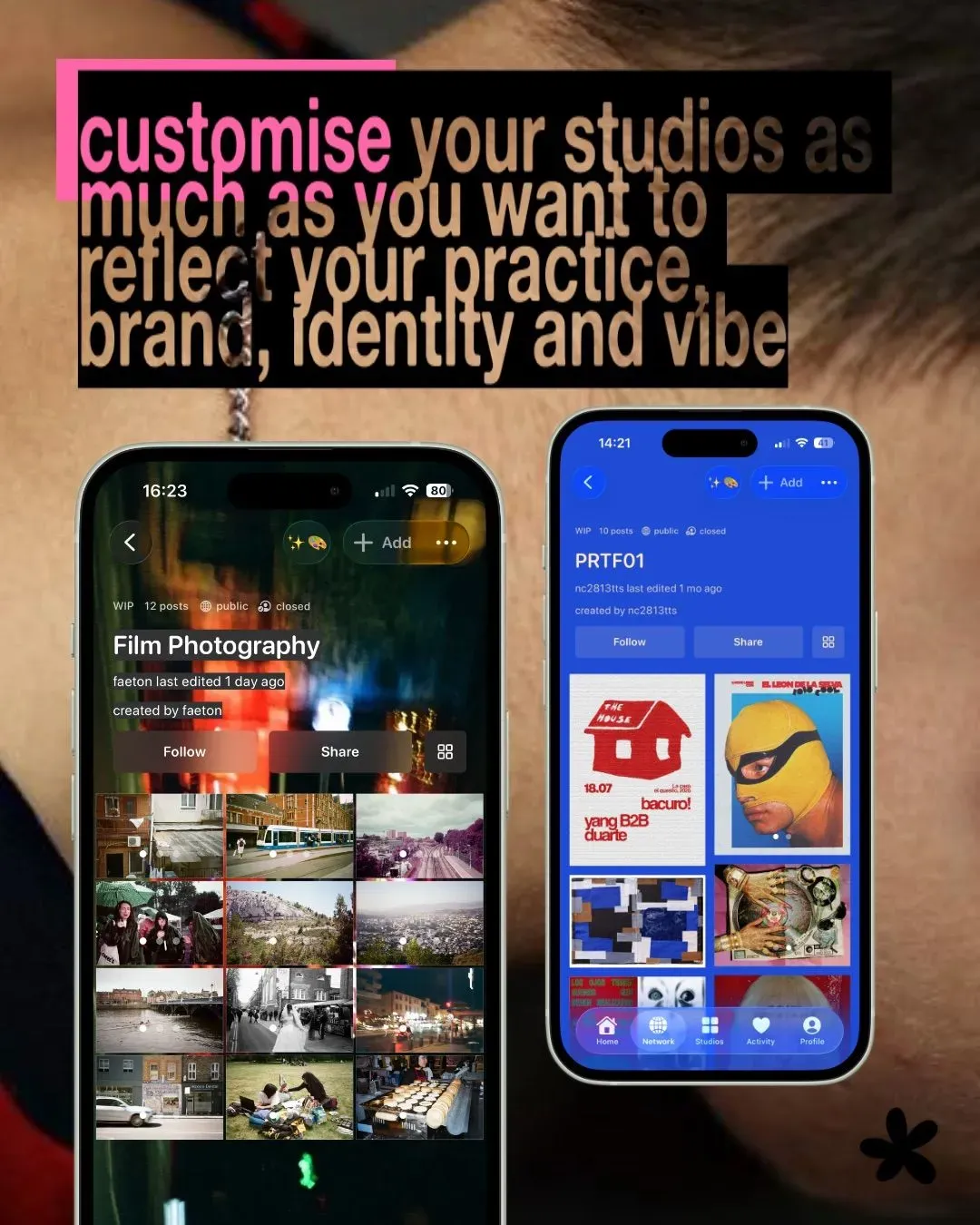
A studio is the main way things are organised on Lylac. You can use a studio as a portfolio, a scrapbook, a project space, a visual diary, a moodboard, a research folder, a collaboration space, or a small world for an idea. A studio can be polished or unfinished. Personal or professional. Public or private. Open or quiet. It’s yours to shape.
Studios can be collaborative. You can invite someone into a studio and build something together: a shared archive, a group project, a collective moodboard, a publication idea, a research space, or a visual conversation. Lylac is built for creative connection, not just broadcasting.
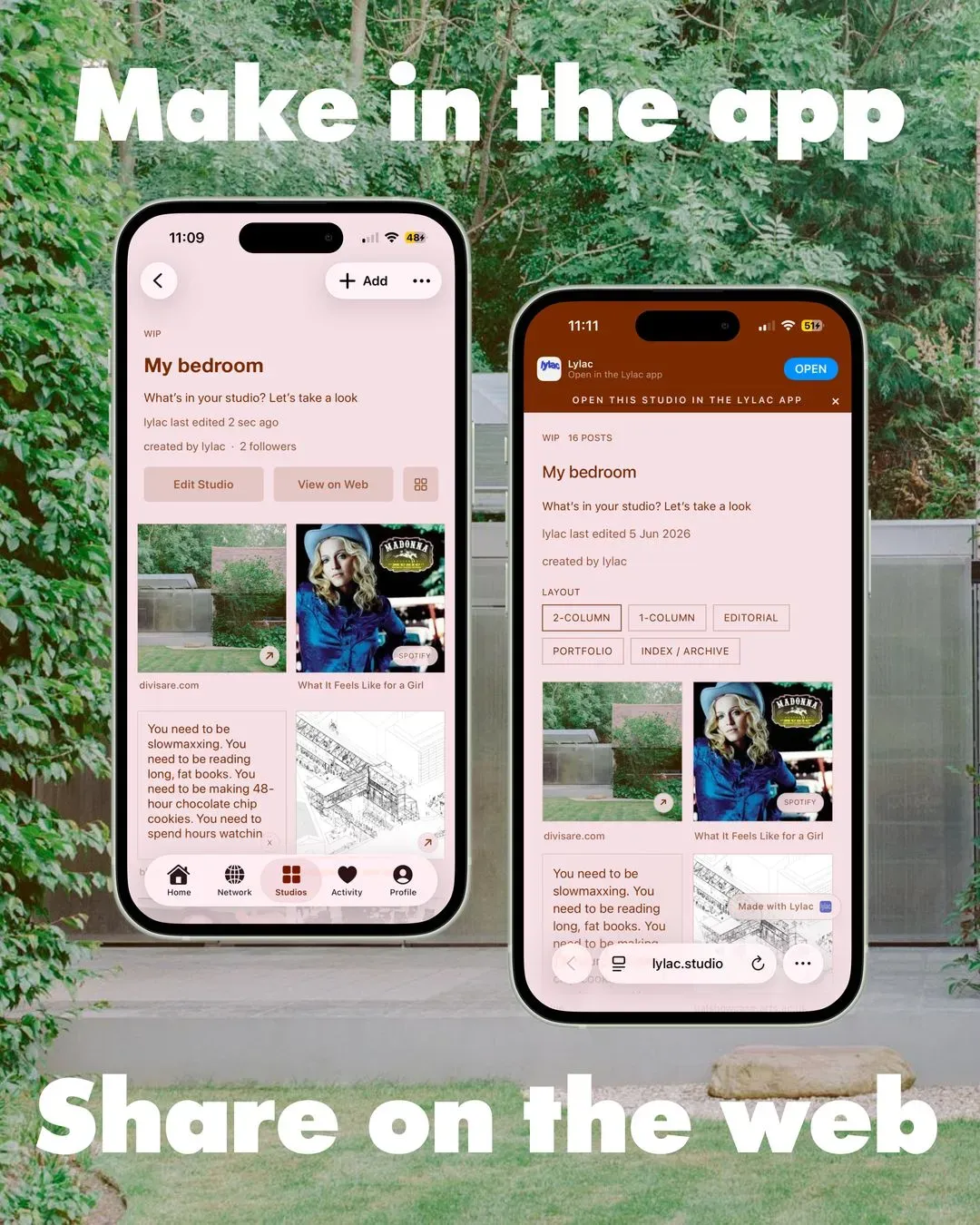
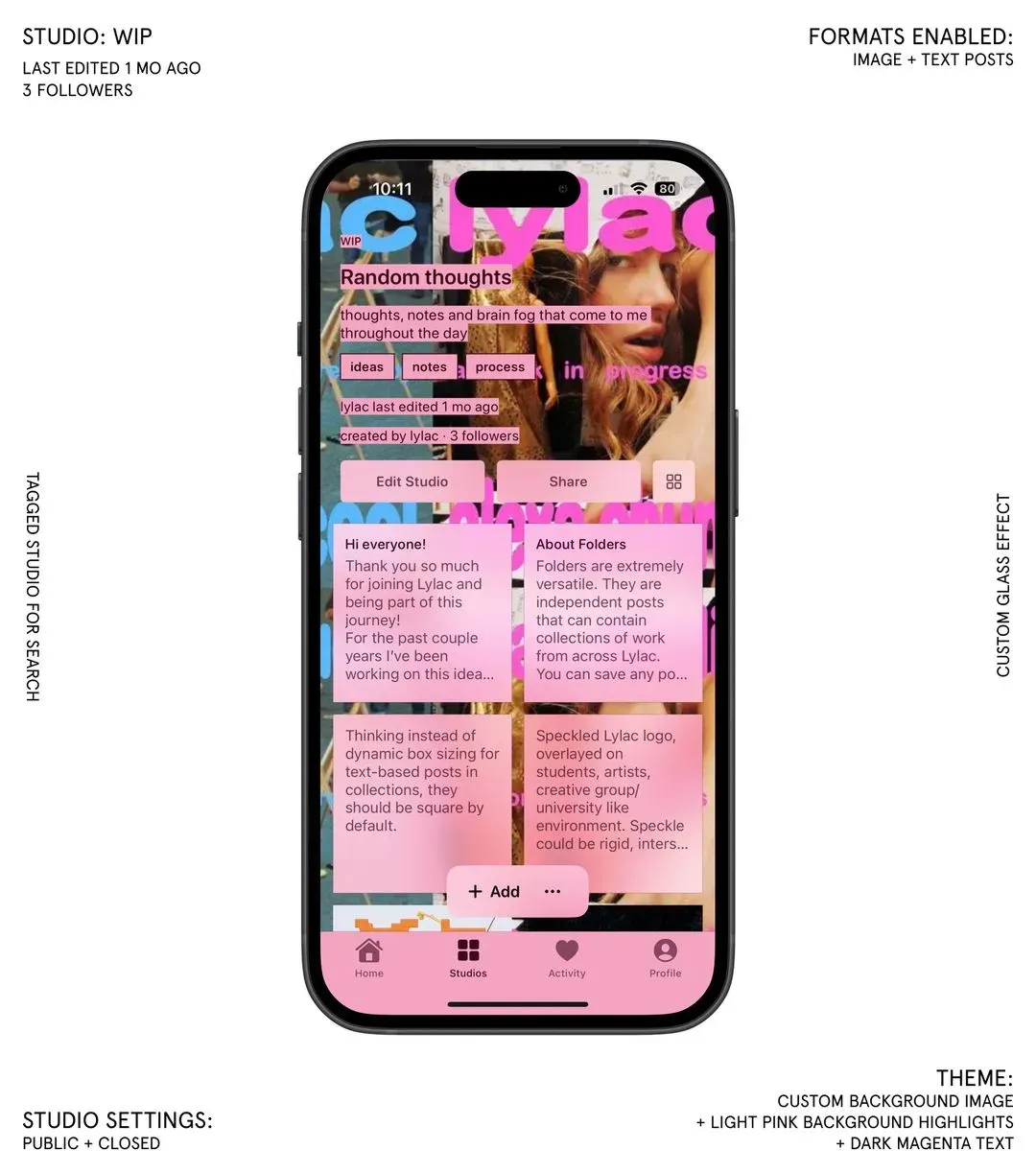
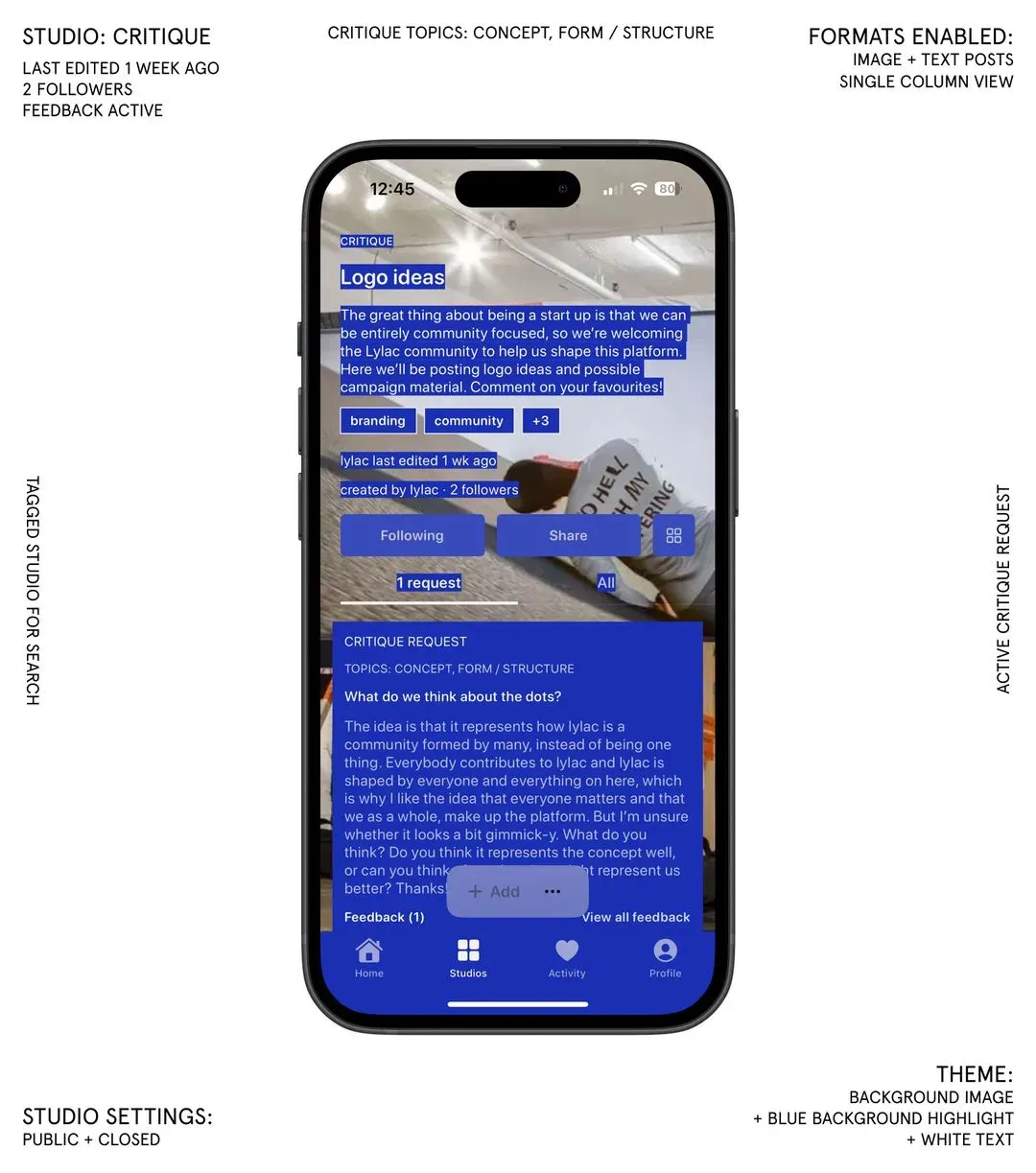
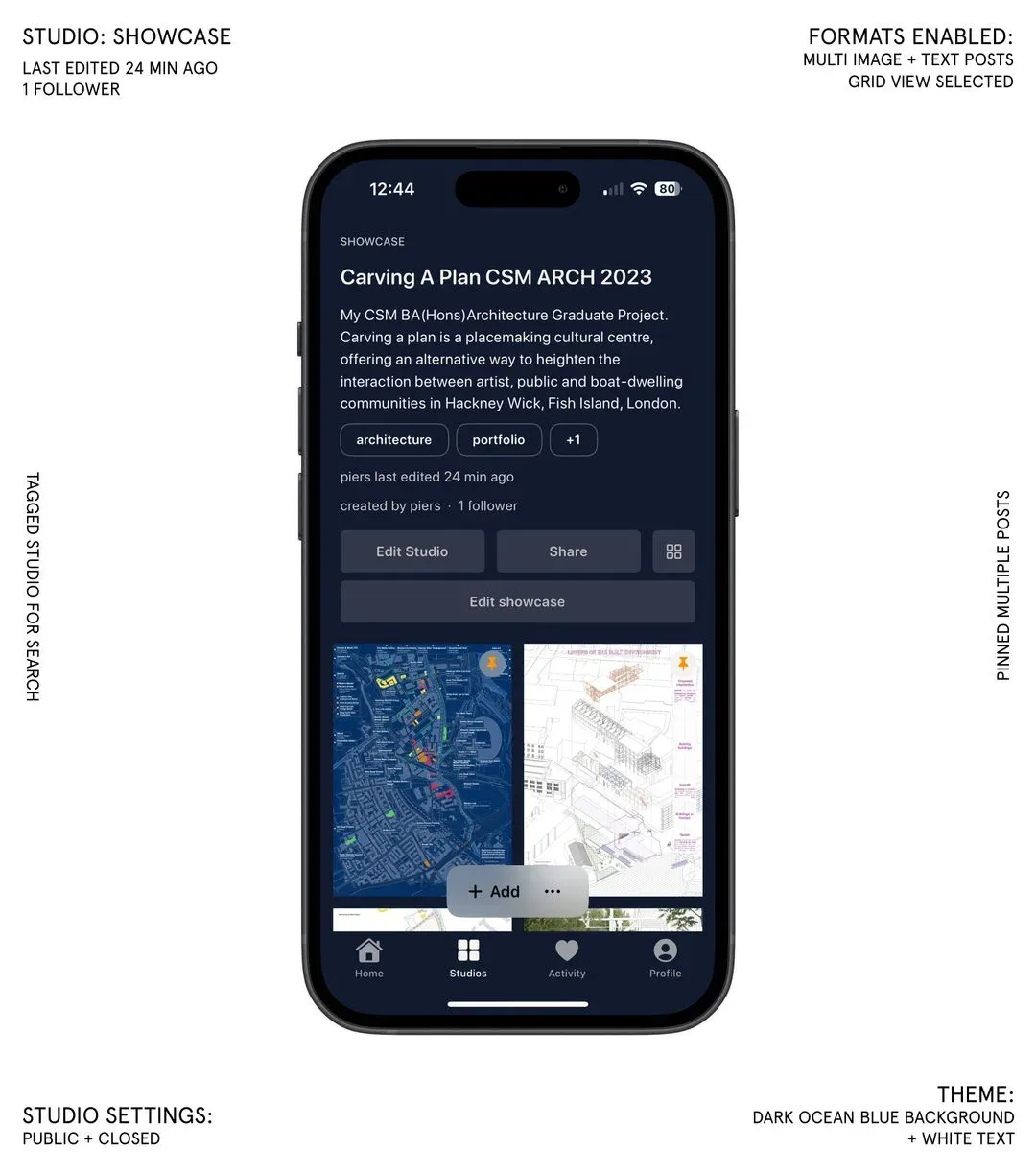
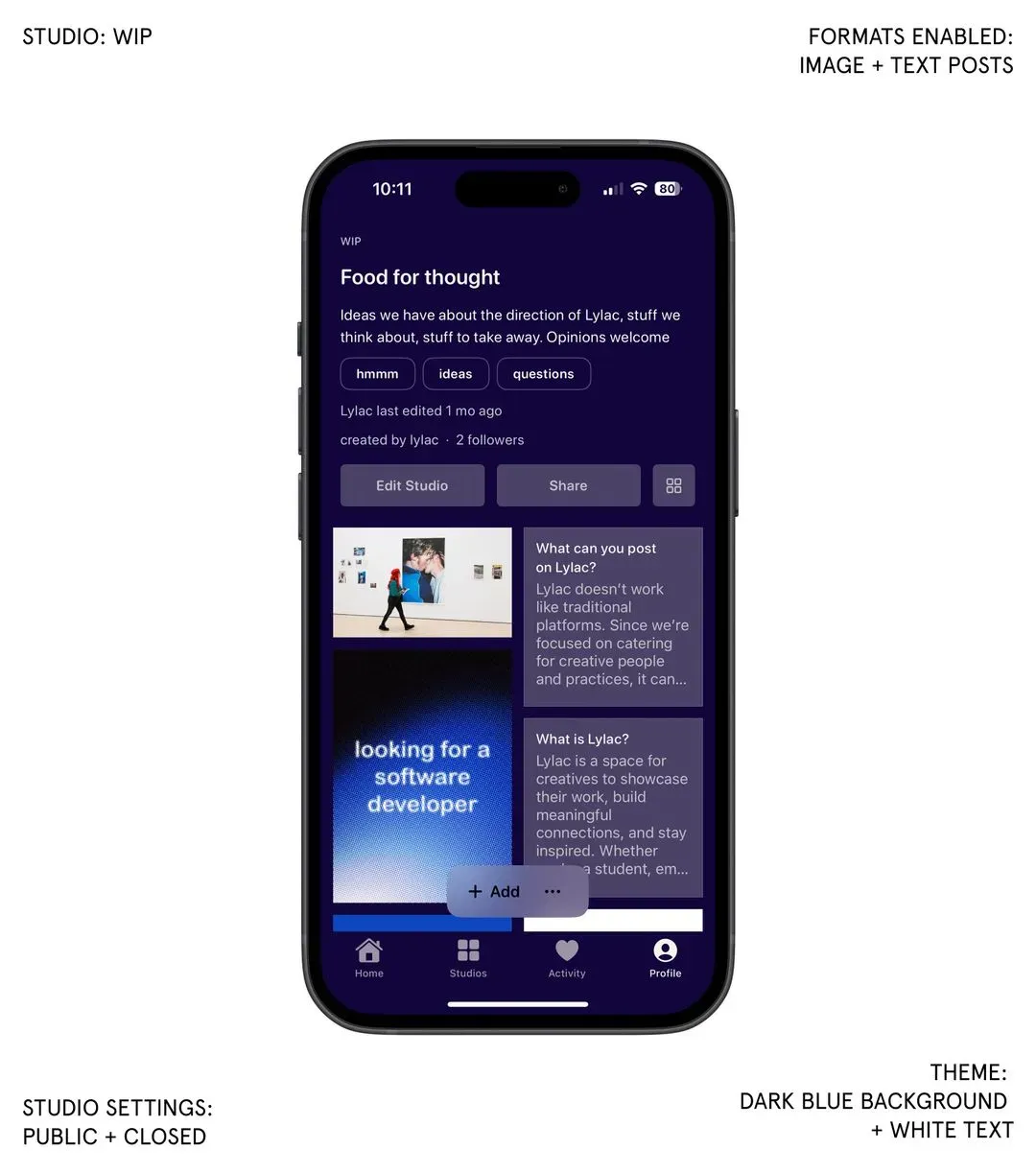
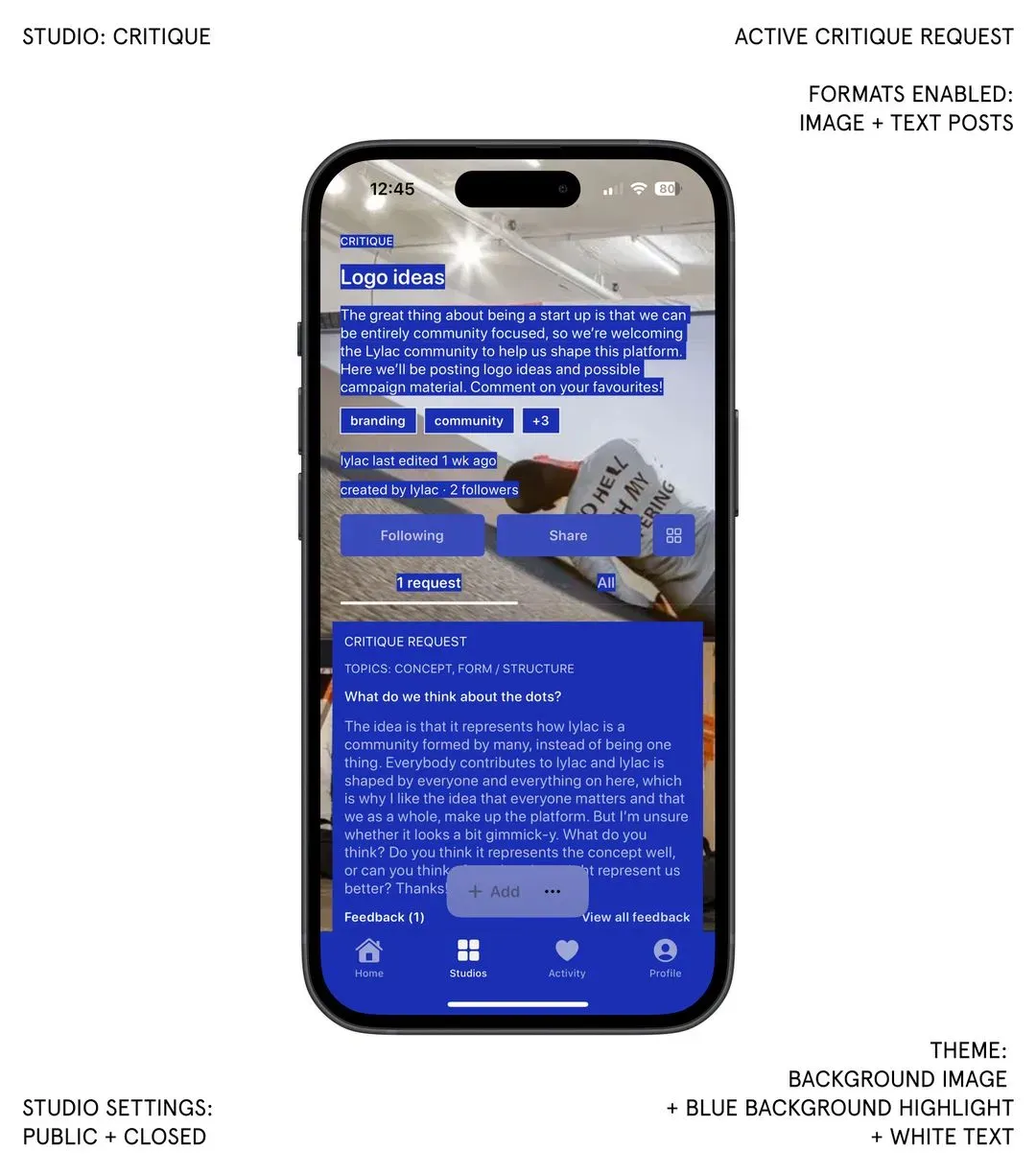
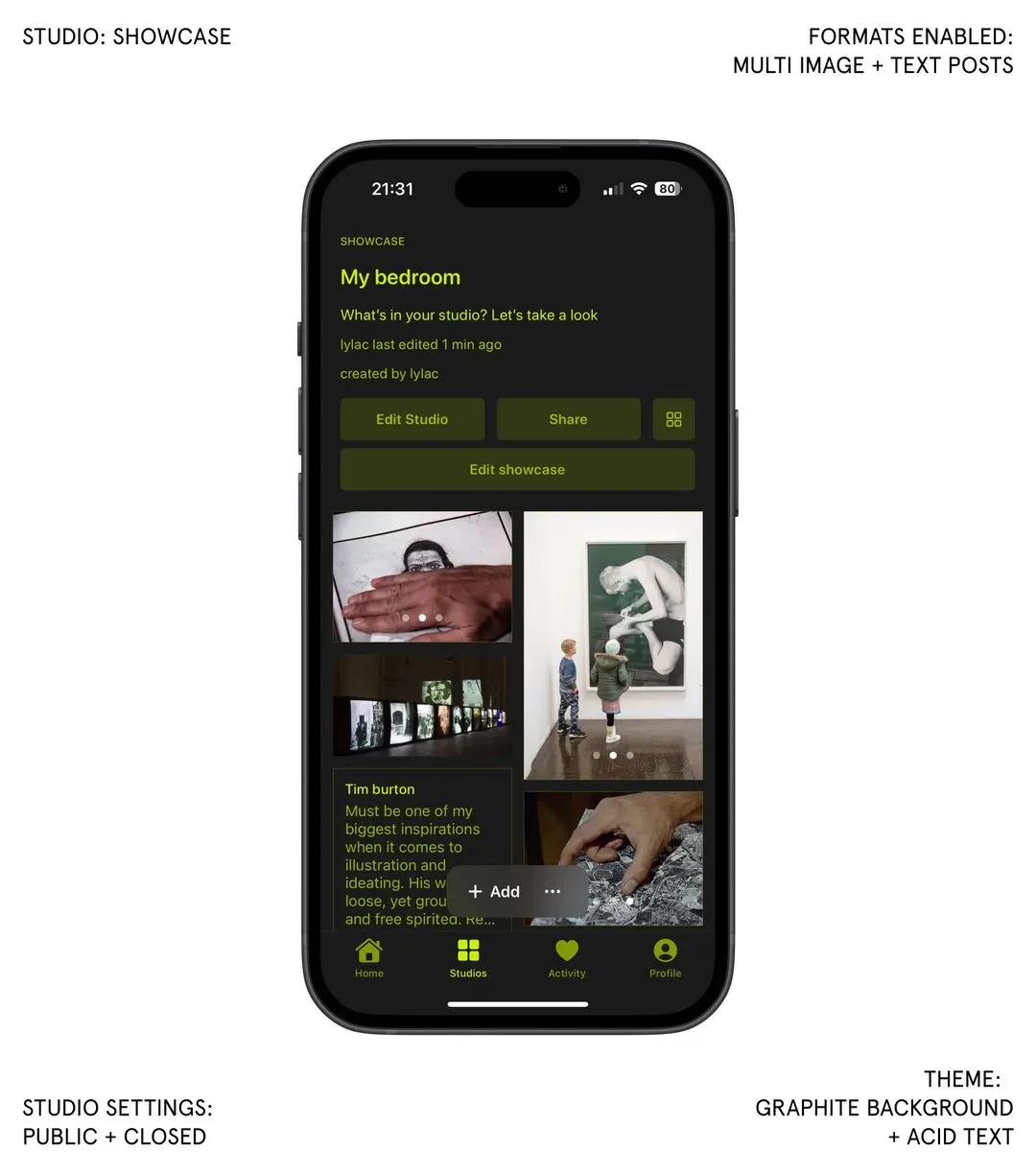
In the next update landing this weekend (14 February 2026), studios on Lylac become less like folders and more like rooms. We’ve been thinking about what made university studios work: not the fluorescent lights or the desks, but the atmosphere. The way a space could shift depending on what you needed from it: messy, critical, polished. Online, everything collapses into one endless feed. We want your studio to feel inhabitable. Changeable. Intentional. So we’re introducing STUDIO MODES , three distinct environments you can move between depending on where you are in your process. 1. WIP: This is your working table. Everything lives here. Sketches, half-formed ideas, experiments, drafts. Nothing hidden, nothing overly curated. It reflects the reality of making: iterative, layered, unfinished 2. CRITIQUE: Switch your studio into Critique mode and it becomes a site of dialogue. As a creator or admin, you can publish a dedicated ‘Request Critique’ post, focused on a specific idea, question or concept. These requests sit within their own REQUESTS tab, separate from the rest of your work, so feedback feels deliberate rather than lost in a stream. Studios in this mode carry a visible CRITIQUE stamp on their preview cards, signalling to others that you’re actively inviting conversation 3. SHOWCASE: For when you need precision. In Showcase mode, you can select and deselect which works are visible, shaping the studio into a considered presentation space. It’s ideal for portfolios, applications, or simply highlighting what feels resolved. Not everything that sits in WIP has to appear here This update is part of a wider shift. We don’t want studios to behave like profiles competing for attention. We want them to function like spaces you can actually work inside: places to develop ideas, collaborate, present, question, refine. Not just display. Because making isn’t one state. And your studio shouldn’t be either. Piers
Folders are extremely versatile. They are independent posts that can contain collections of work from across Lylac. You can save any post you see on Lylac into one of your folders. Since any type of